
Google Chrome Hacks: Everyone should know these subpages!
In the Google Chrome Browser there are many unknown subpages. We have put together the advantages of 10 of these subpages.
 Vincent Heinen Abteilungsleiter Offensive Services
 TL;DR
Google Chrome contains 68 internal subpages accessible via chrome:// URLs. Highlights include: chrome://extensions for managing add-ons, chrome://flags for experimental features, chrome://predictors showing browser autocomplete learning, chrome://site-engagement listing your most visited sites, chrome://user-actions for real-time browser activity logging, chrome://accessibility for per-site accessibility tools, chrome://system and chrome://version for system and version information, and chrome://apps for managing installed web apps and accessing the Chrome Web Store.
Table of Contents (2 sections)
Google Chrome is one of the most popular browsers used by a wide range of people to surf the web. In this article we will list some unknown sites that provide useful information. This is because Google Chrome provides many internal sub-pages where users can view their Bluetooth devices for example.
The browser from Google, currently the most popular
According to statista in March 2020, Google Chrome is the most popular browser in Germany with a market share of about 44.7 percent. However, as this competition is highly competitive (September 2017 Firefox was the most popular browser), browser developers are constantly trying to offer users the best possible browser. Google Chrome, for example, provides many internal subpages that contain useful information. A list of these subpages can be displayed directly in Google Chrome's browser.
The TOP 10 of Google Chrome subpages
As there are 68 subpages in total, which are listed, we cannot go into each individual entry. Therefore we will deal in this article with the 10 most useful pages that are listed:
- chrome://extensions: On this subpage you can see a view where all extensions are listed. You can enable or disable these extensions directly on the subpage and get information about current versions. The section shows the extension of an AdBlocker. Why you should also use an AdBlocker was discussed in detail by Moritz and Jan in the 10th episode of Sevencast.
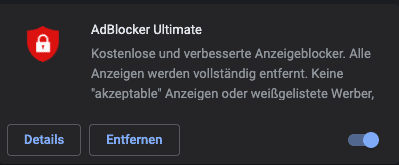
chrome://extensions shows all used extensions
- chrome://flags: One of the better known subpages is located under the term flags. Behind this subpage there are many functions that are still in the test phase. As a user, you are advised that there is a certain risk if you activate these functions. Besides the possibility to activate various test functions, a description of the respective function can be found on the subpage.
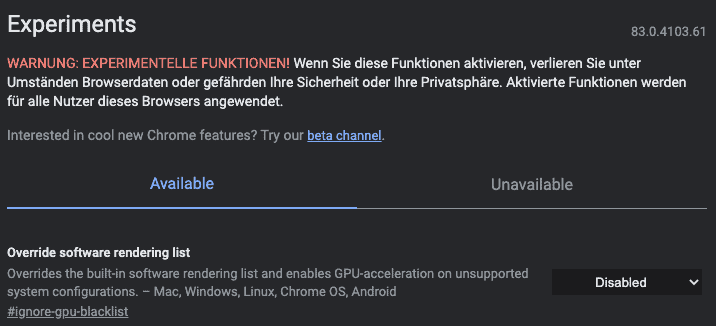
Functions in the test phase offer some risk
- chrome://predictors: You can get a good impression of how well the browser really knows us on the subpage predictors. On this page you can see which page was suggested by Google for which search term. In addition, the category "Confidence" contains the probability that Google has suggested the right page. For me, Google suggests the page https://aware7.de/, if I have entered the letters "awa" in the search bar. Google was right about 59% of the time, and I actually wanted to go to the suggested page.

59% of the time I want to go to https://aware7.de/ after typing "awa"
-
chrome://sigin-internals: This subpage contains all relevant information about the registered Google Account. In addition to this information, you can also see, for example, which accounts are stored in a cookie.
-
chrome://site-engagement: If you want to get an impression of which website you interact with most, you should take a look at the Site Engagement subpage of Google Chrome. This page lists the websites you interact with most. The one or other surprise is certainly also with you. At the top of my list is the search engine Google.

The website I interact with most often is Google
- chrome://system and chrome://version are two subpages that contain various information about the versions used etc. On the System subpage you can see which operating system version you are using, but also which extensions are activated in which version. On the Version subpage, you can see the versions of Google Chrome you are using, for example the Java-Script version, but also the Google Chrome version itself.
- chrome://user-actions: If you want to get an impression of when your browser processes something, or what the browser actually processes, you should visit the User-Actions subpage once. This subpage can record in real time which activities are carried out by the browser. To record all your actions, you must keep the subpage open in a tab.
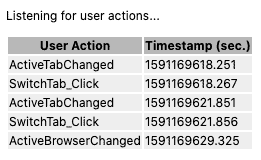
Even changing tabs makes the browser do tasks
- chrome://accessibility: This subpage offers many settings for accessibility. It is possible to activate different tools for different websites, which should be displayed or used by Google Chrome.
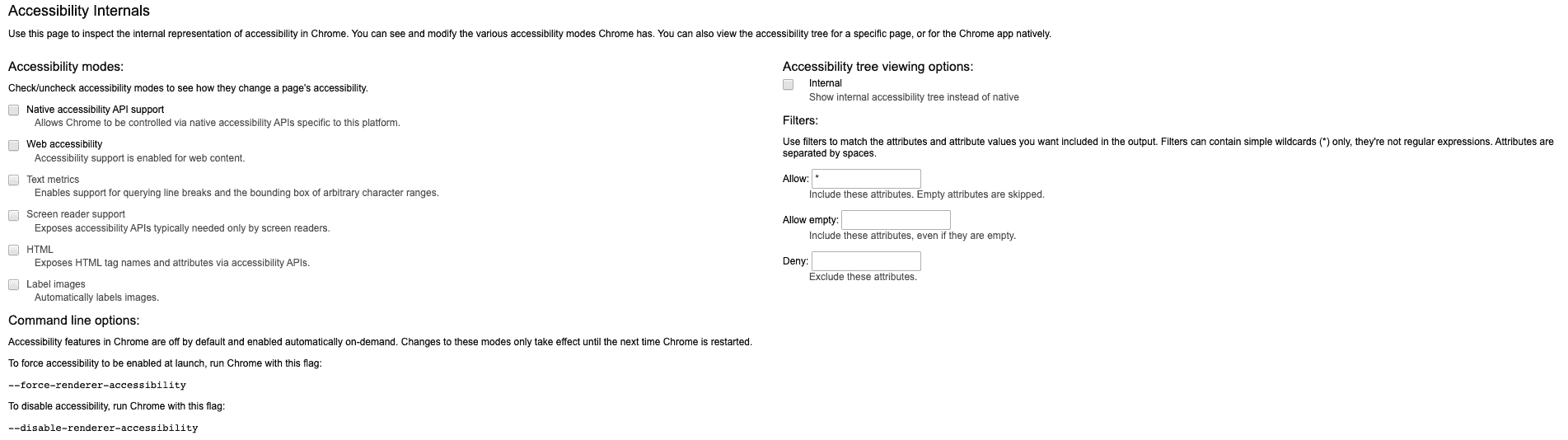
Different tools can be activated for each web page
- chrome://apps: Behind this Google Chrome subpage you can see all apps you already have installed in your browser. You can also access the Chrome webstore directly to download additional apps, extensions or designs.
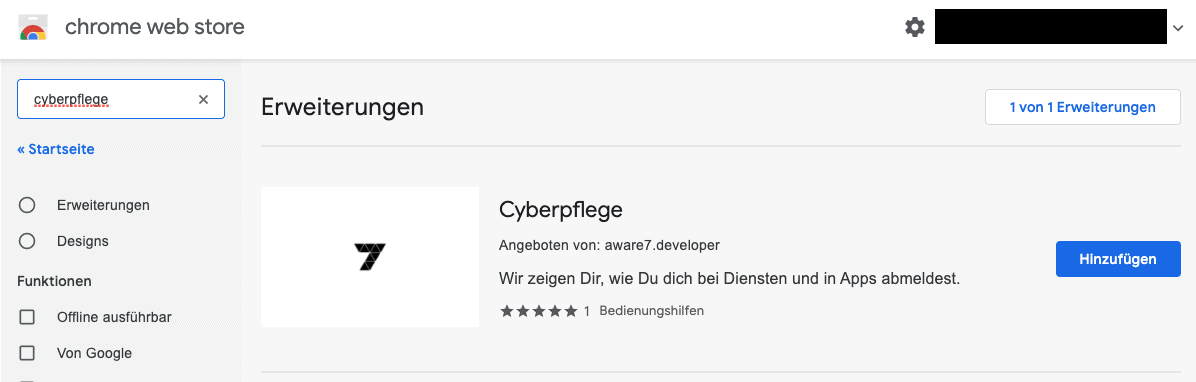
In the Google Chrome Webstore you can find extensions like Cybercare

Monthly Threat Report
Chris Wojzechowski bewertet einmal im Monat die aktuelle Bedrohungslage aus Sicht eines Informationssicherheitsexperten. Sein 30-köpfiges Team ist näher an realen Cyberbedrohungen dran als kaum jemand sonst - mit konkreten Handlungsempfehlungen, die Sie am nächsten Morgen umsetzen können.
Bestseller-Autor (Wiley-VCH) · M.Sc. Internet-Sicherheit · Bekannt aus Handelsblatt & WamS
Zuletzt behandelt
1x im Monat · Kein Spam · Jederzeit abbestellbar · Datenschutz
Next Step
Our certified security experts will advise you on the topics covered in this article — free and without obligation.
Free · 30 minutes · No obligation

